Edit by prompt
Written By Kacper Staniul
Last updated 5 days ago
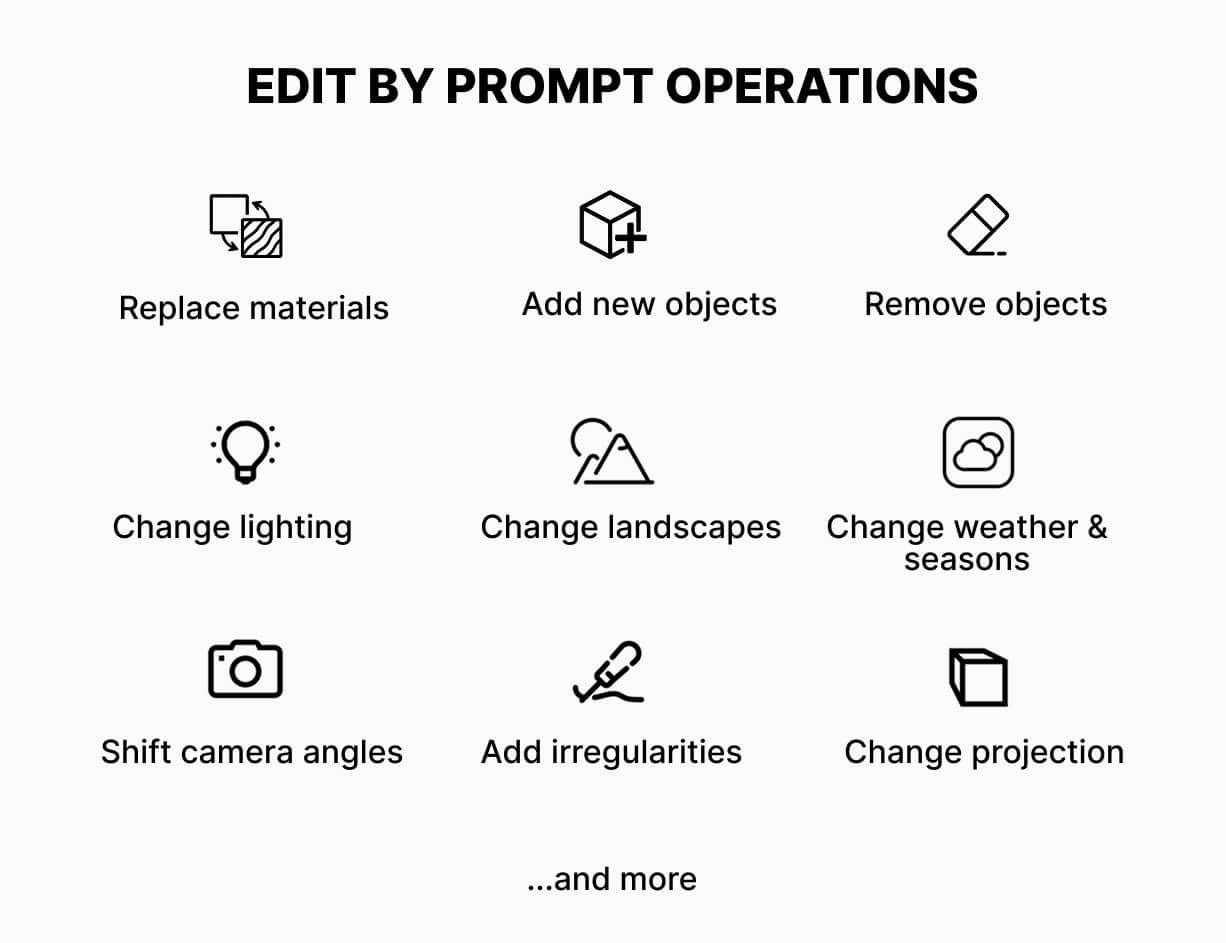
Edit by prompt is the most powerful and versatile tool of all. It lets you add and remove objects, retexture surfaces, change lighting and landscapes, shift camera angles, and more.
Modes
You can either apply changes to the whole image (Full image mode) or to specific areas (Selected area mode):
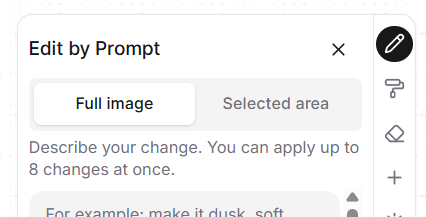
In both modes, you can apply up to 8 changes in one go.
Prompt format
In general, your prompts should start with a verb (change/add/remove/replace/show/make etc.), describe the specific part of the scene you're referring to, and the expected change.
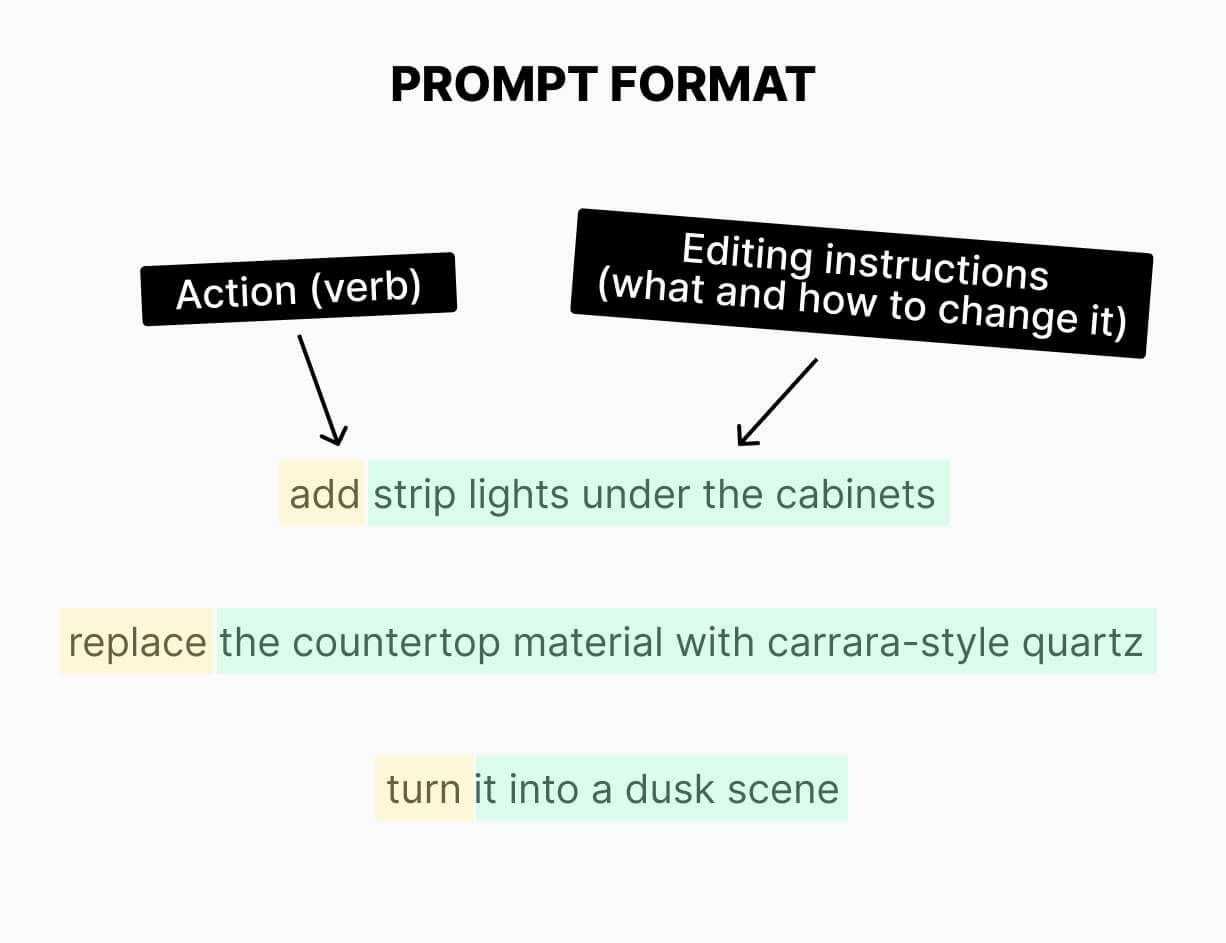
The instructions can be in any language, not just English.
Example prompts
Adding an object: "add a black linear pendant light above the kitchen island"
Adding an object from a reference image: "add the armchair on the left side of the sofa"
Adding lights: "add strip lights under the cabinets"
Removing an object: "remove the shrubs from the left side of the patio"
Replacing an object: "replace the plant on the coffee table with a monstera in a clay pot
Replacing an object with a new one from a reference image: "replace the dining chairs"
Changing textures: "replace the countertop material with carrara-style quartz"
Changing textures based on a reference image material: "apply the material from the attached image to the roof"
Changing colors: “use RAL 1013 for the siding” or “make the sofa #2F4F4F”
Changing color temperature: “change color temperature to 3000 Kelvins”
Changing the mood: "turn it into a dusk scene, soft window glow"
Changing landscapes: change the cityscape to Marina Bay Sands"
Shifting camera angles: "show the building from a bird's eye view"
Matching materials: "make the front door the same material as the window frames"
Shifting sunlight direction: "make the sunlight come from behind the camera"
Fine-tuning the details: “make the floor tiles more glossy”
Adding imperfections: "add some very small irregularities to the lawn"
Best practices
Be specific with your descriptions. "Add a plant" might result in adding a random plant in a random location. "Add a monstera in a clay pot by the wall on the right" will produce much better results.
The tool doesn't "remember" your previous edits, so mentioning them in your prompts won't work.
You can control the intensity of changes by adding words such as "slightly, very, etc.", e.g. "make the sofa color slightly darker” or “slightly increase the reflection on the pool".”
We recommend using the "enhance area" tool to improve people generated using the "edit by prompt" tool.
To control the sunlight direction, mention it in relation to either the camera ("sunlight coming from behind the camera") or the main subject of the scene ("sunlight coming from the right side of the building").
Bad edit? Go back to the previous step in your history and edit from there, instead of trying to fix the broken version.
Still need help? Ask the team