Enhancer engine upgrade
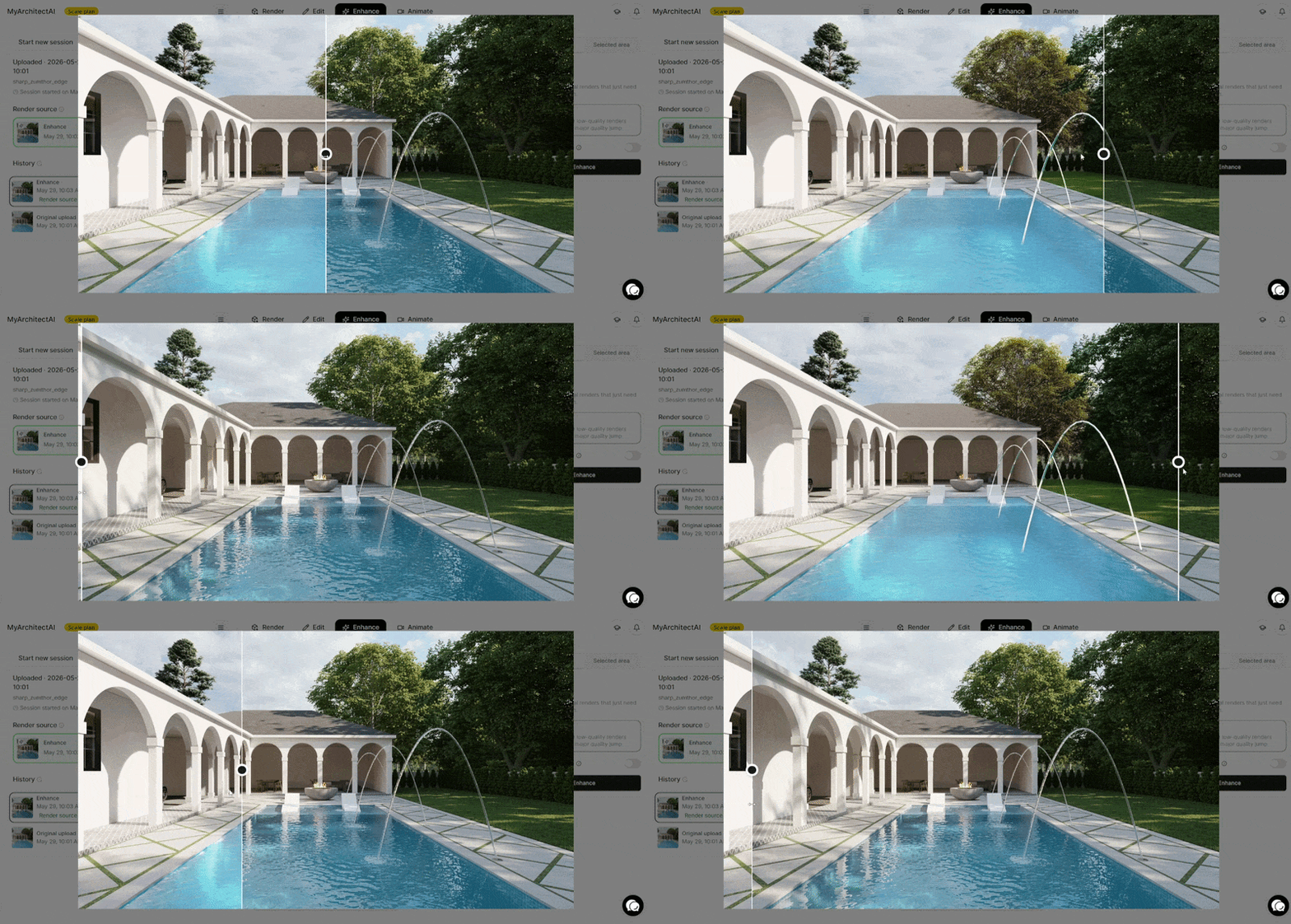
The new engine is much better at improving textures, vegetation, and reflections. It also better understands what's in your image, so the improvements are more precise and natural-looking.
Unlike the previous version, it handles repeatable patterns well and preserves text and signage.
You can now choose between two modes depending on what you're working with:
Refine: for near-final renders that just need a polish. We recommend running it on every render you generate in MyArchitectAI as a finishing touch.
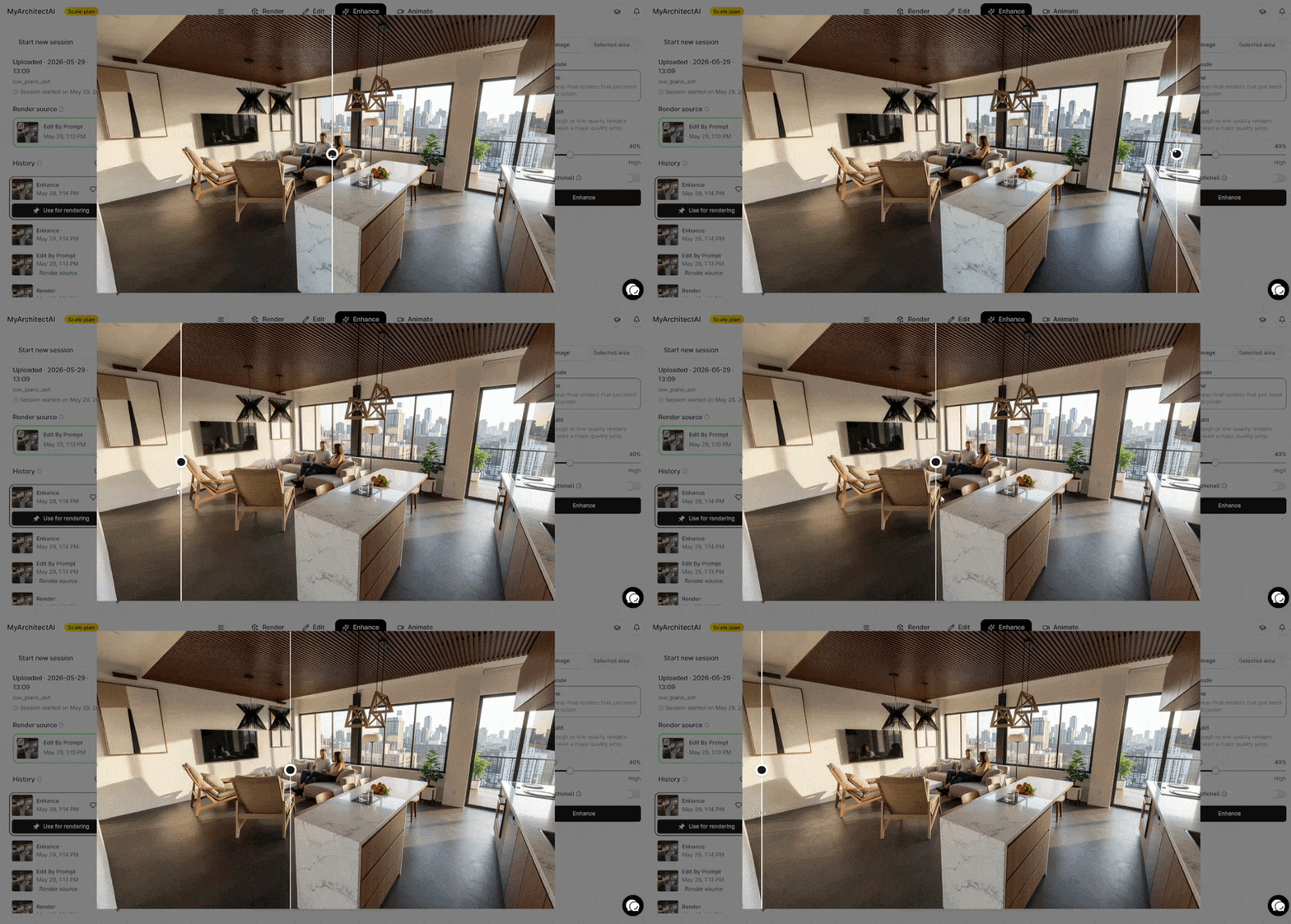
Rebuild: for rough or low-quality renders that need a major quality jump, like draft-quality renders from physically-based renderers.
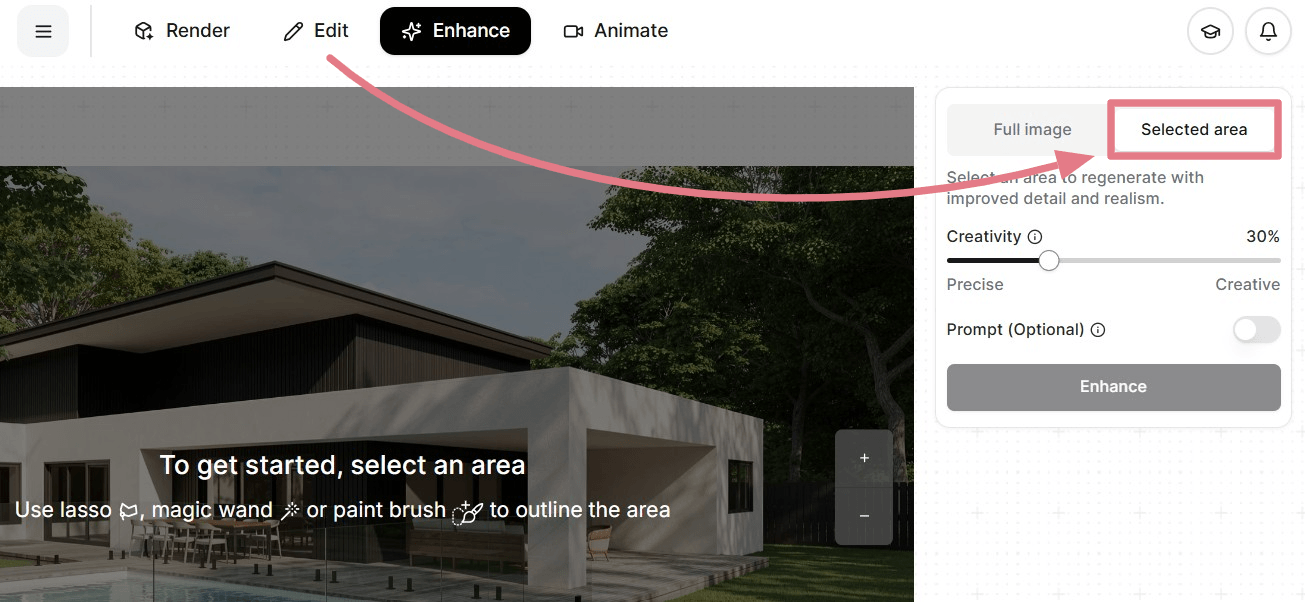
We've also moved the Enhance Area tool from the Edit tab to the Enhance tab to keep things better organized.
Use it to sharpen specific parts of a render, like faces or individual objects, without touching the rest of the image.