Floor plan to render
Written By Kacper Staniul
Last updated 12 days ago
This experimental tool lets you turn a plain black-and-white floor plan into a styled, colored version ready for marketing purposes.
All you need to do is pick a style preset from the sidebar and select whether you want to preserve the labels and dimensions from your floor plan.
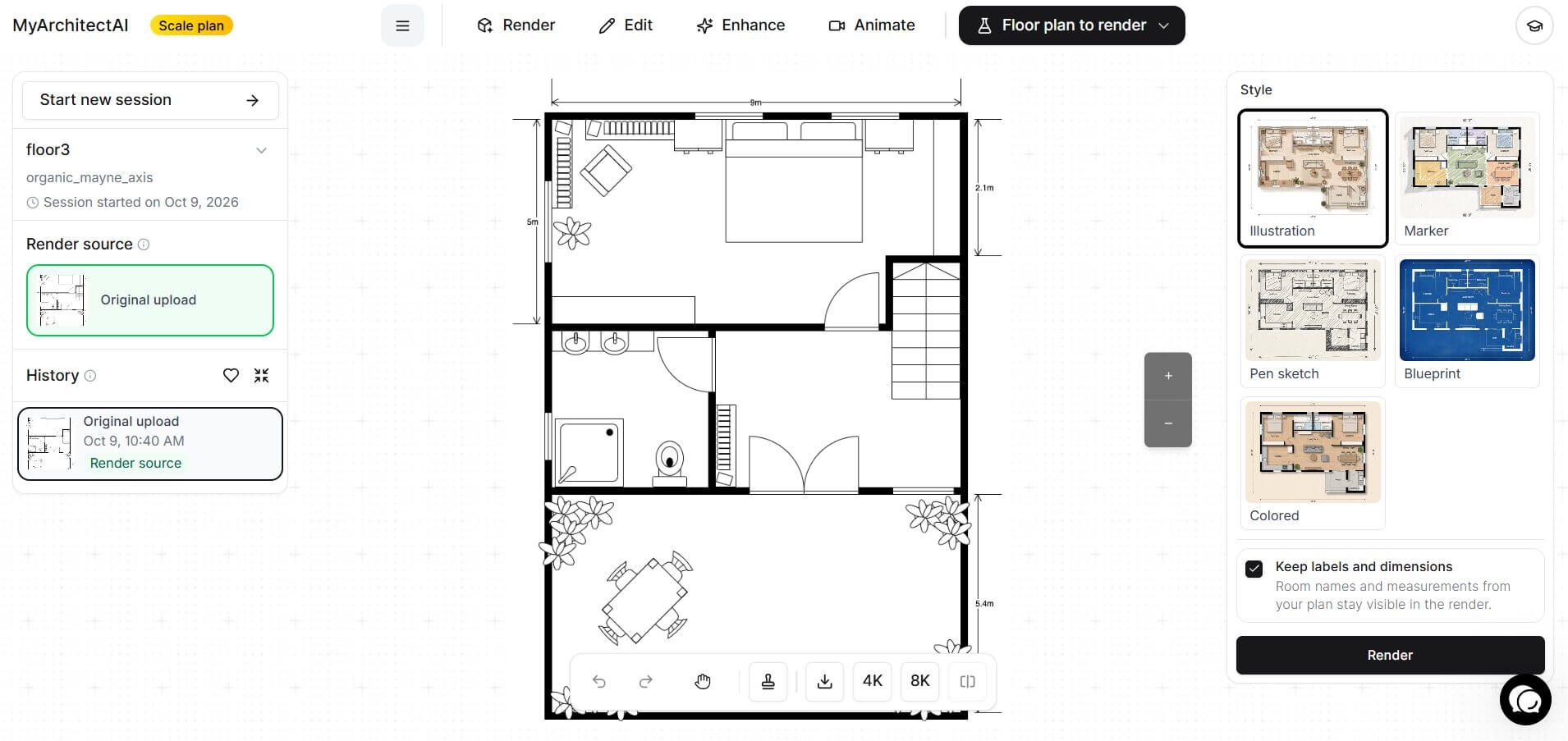
Currently available styles to pick from are:
Illustration
Marker
Pen sketch
Blueprint
Colored
Once the floor plan is rendered, you can use the Edit by prompt tool to make selective changes to it, e.g. edit the labels (using the Selected Area mode). Simply select the text or label to modify, and describe the expected change, e.g. "add text "Bathroom #1".
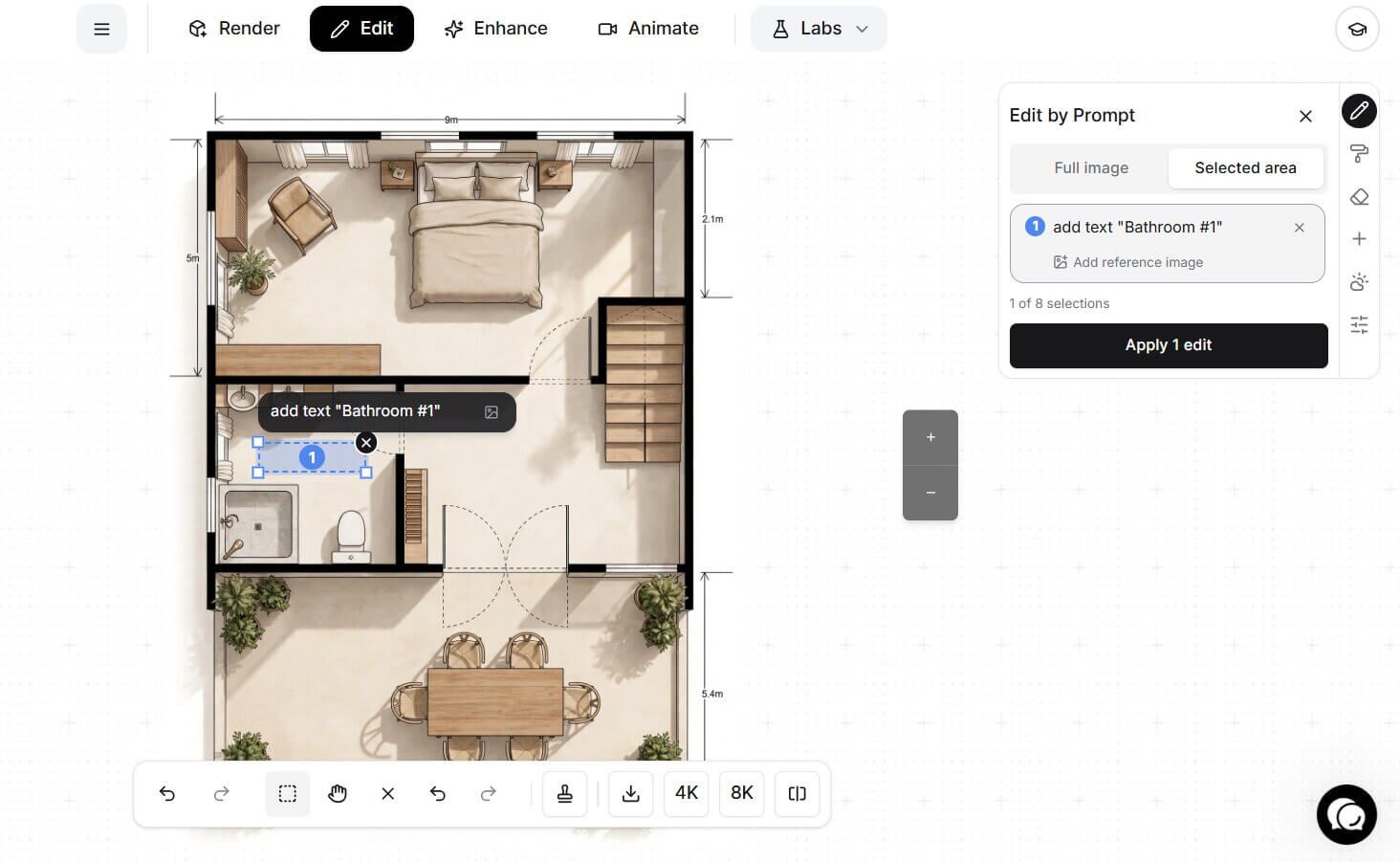
If you want to change any other things like the background color, you can do it the same way.
This tool is in beta phase, so expect some rough edges. Tell us what works and what doesn't, and we'll use your feedback to improve it.
Was this helpful?
Still need help? Ask the team