Projects & sessions
Written By Kacper Staniul
Last updated 8 months ago
Everything you generate in MyArchitectAI (including settings) is saved automatically, so you can always come back and continue where you left off.
To access your previous generations, go to the Projects tab. This is where all your past work is stored and organized into sessions.
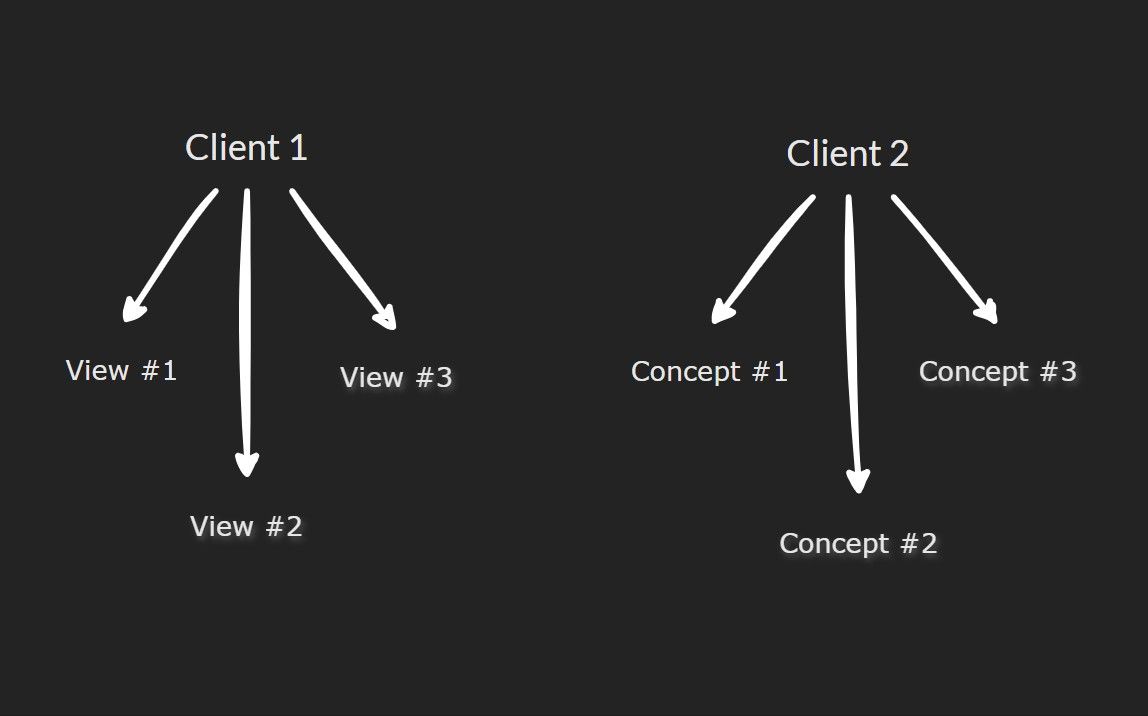
Sessions help you organize work within a project. Every time you upload a new image, a new session is created. For example, you can keep one project per client and use separate sessions for different views or design concepts of the same project.
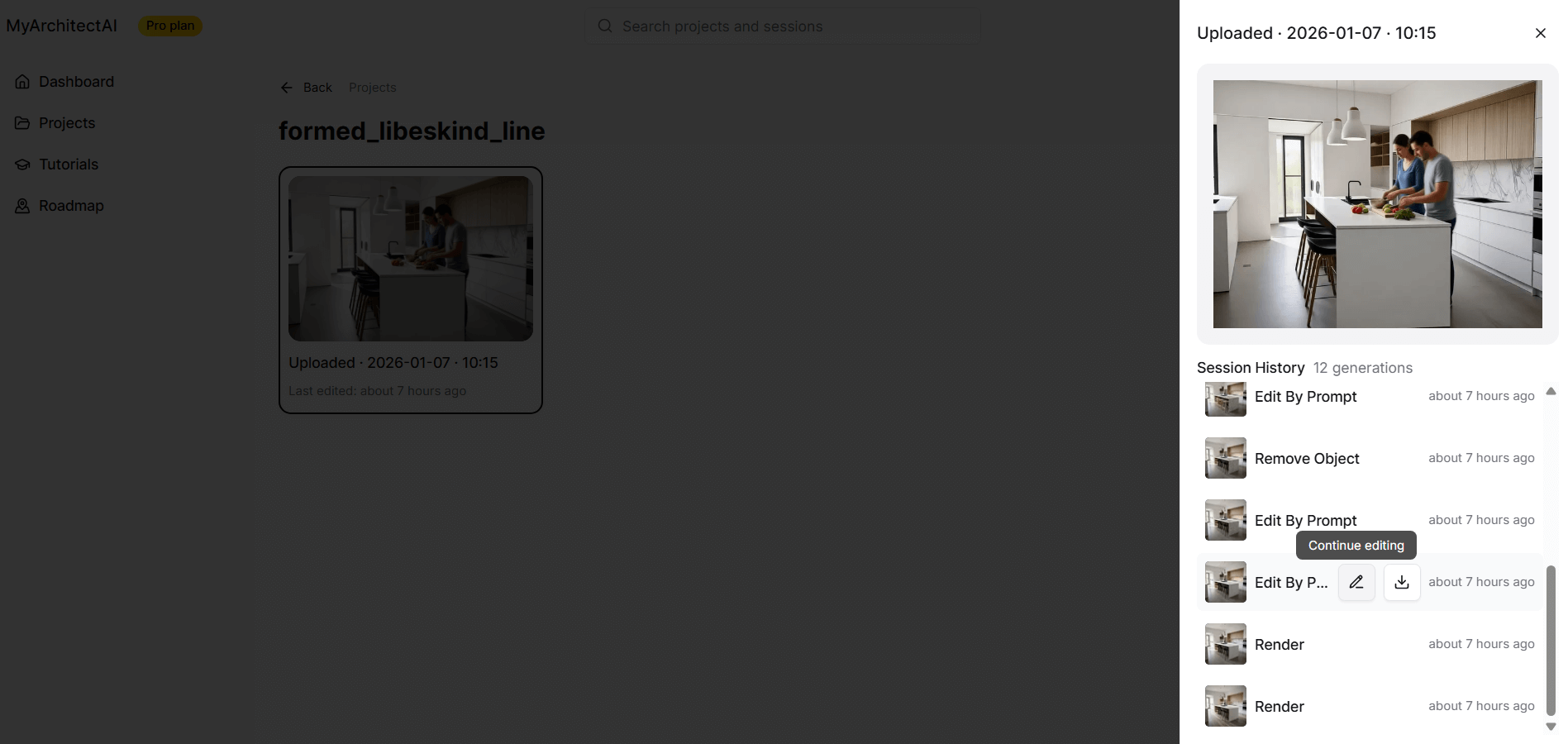
Inside a session, you can preview the full generation history, continue working from any step, or download a specific version of a render.
To view the settings used for any generation, select a history item and click Continue editing.
Organizing projects and sessions
You can rename, delete, and move sessions between projects by clicking the three-dot menu and selecting one of the options.

Was this helpful?
Still need help? Ask the team