Render
Written By Kacper Staniul
Last updated About 1 year ago
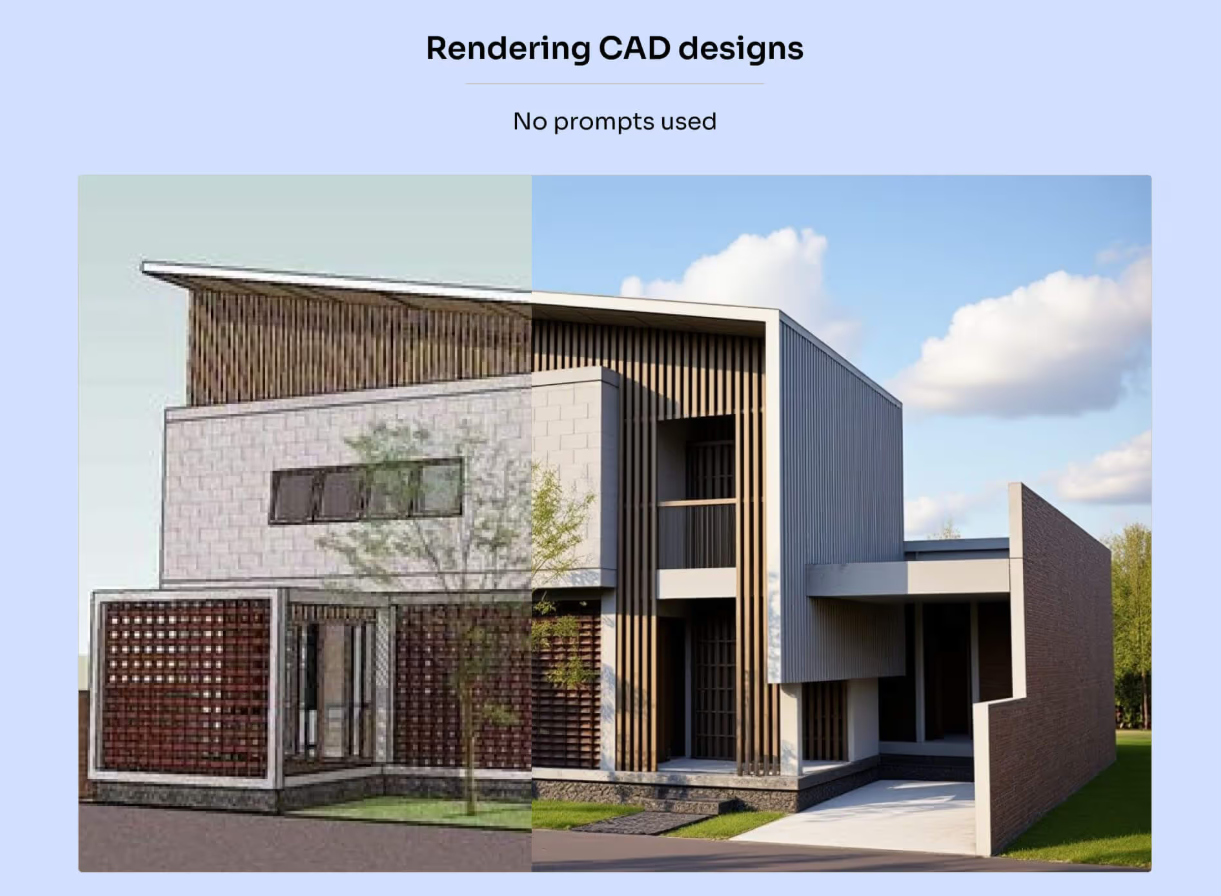
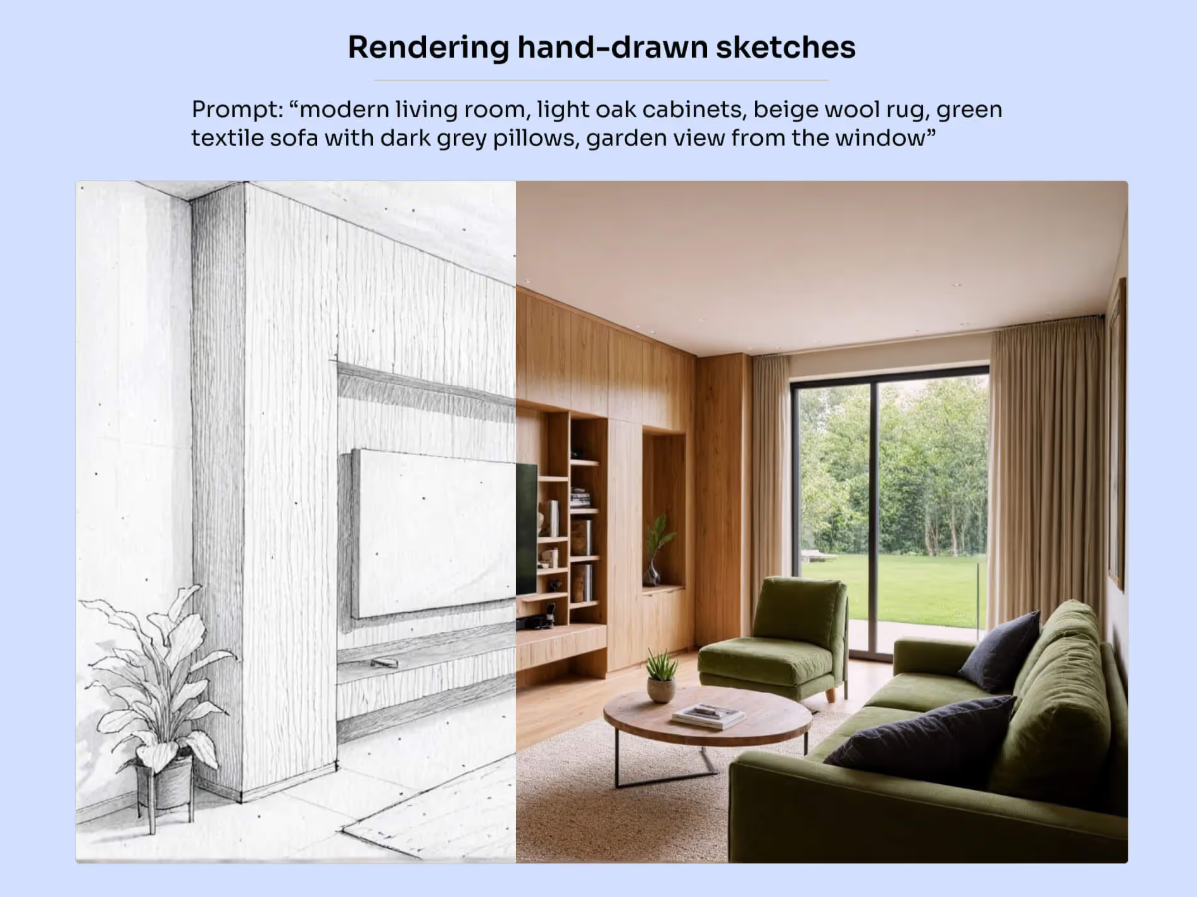
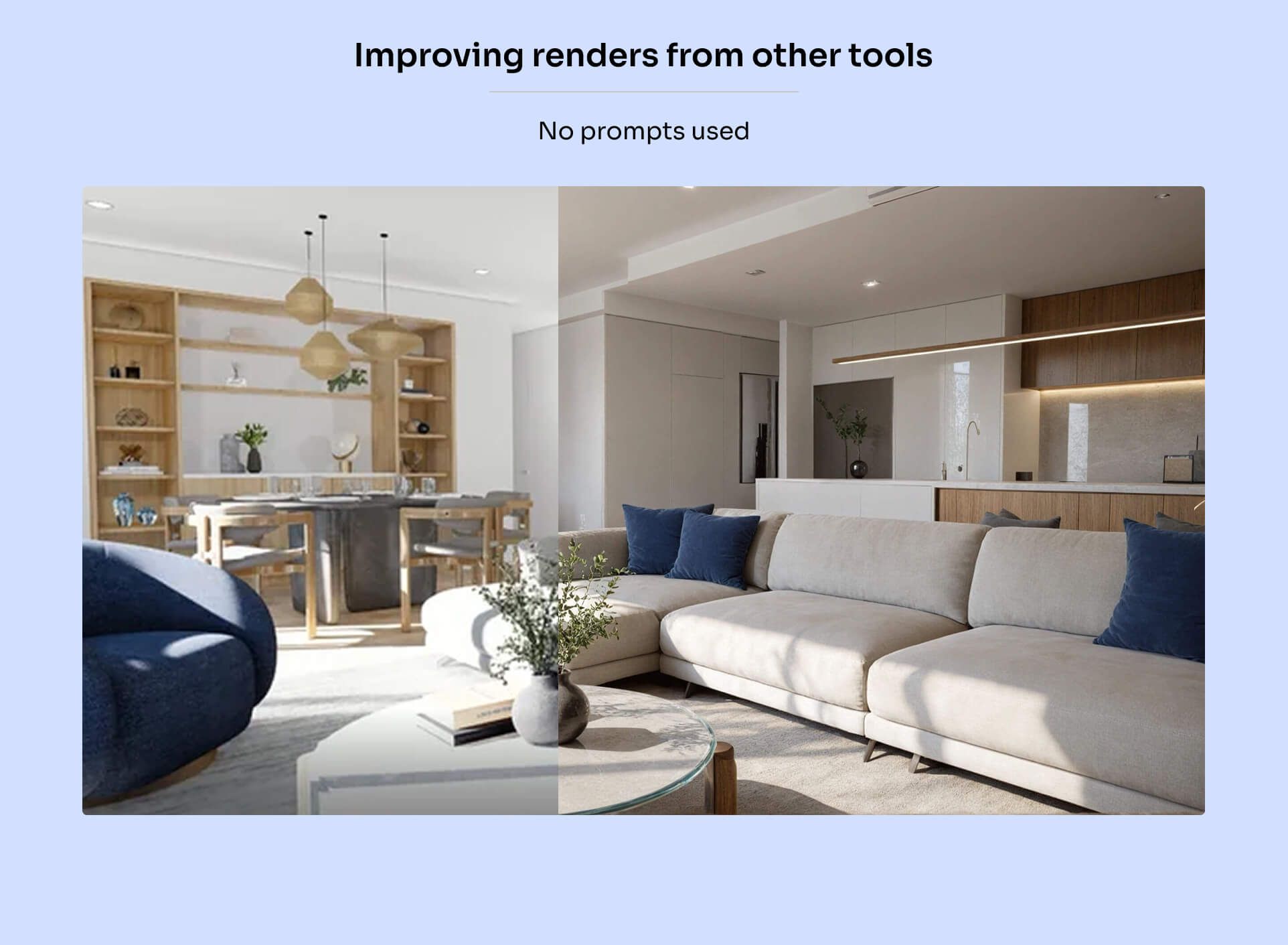
This is our most versatile engine, optimized for visualizing both CAD designs and hand-drawn sketches (and in some cases also enhancing renders from other tools).
It preserves colors, materials, and textures from your uploads, while also letting you add landscapes, adjust lighting, and change the weather.
Quick video overview of how it works:
Some key things to keep in mind:
This engine is optimized to work with textured designs without any prompts at all.
You should only add a prompt when rendering sketches or changing the environmental context of the scene. In these cases, try to keep the prompt as concise as possible, as overly long ones might confuse the AI.
To make changes to your designs, use the editing tools — the core rendering engine isn’t optimized for that.
People and cars might sometimes get distorted, so adding them to the scene using the Edit by Prompt tool produces much better results.
Here are some examples of what you can use it for:
Still need help? Ask the team